
How to Download Your Videos
Our videos are large files, typically around 3GB each. Please follow these three simple steps to download your purchase successfully.
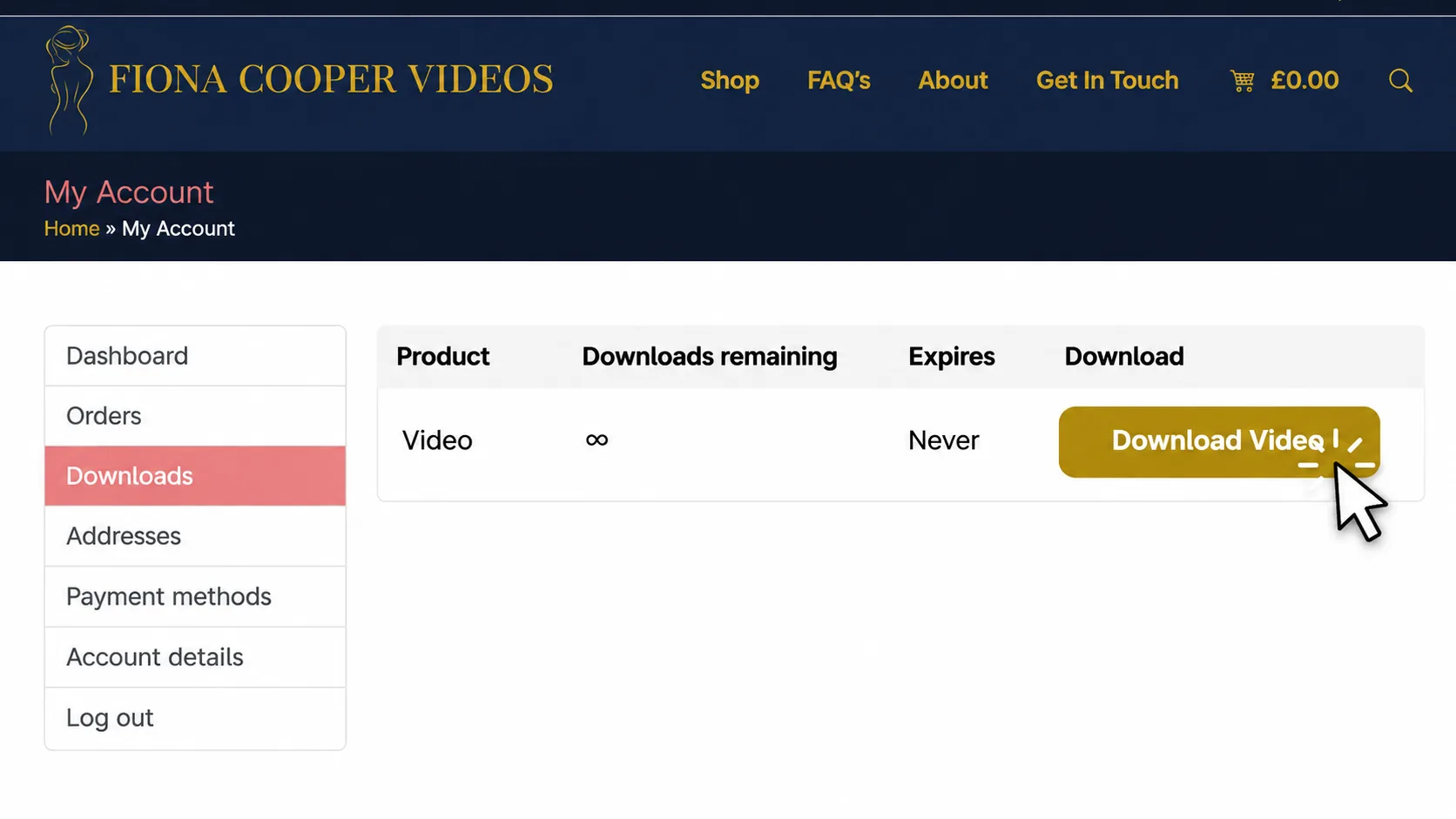
01. Click Download
Click the Download Video button once only.
Your browser may take a few moments to respond. Please don’t click repeatedly.
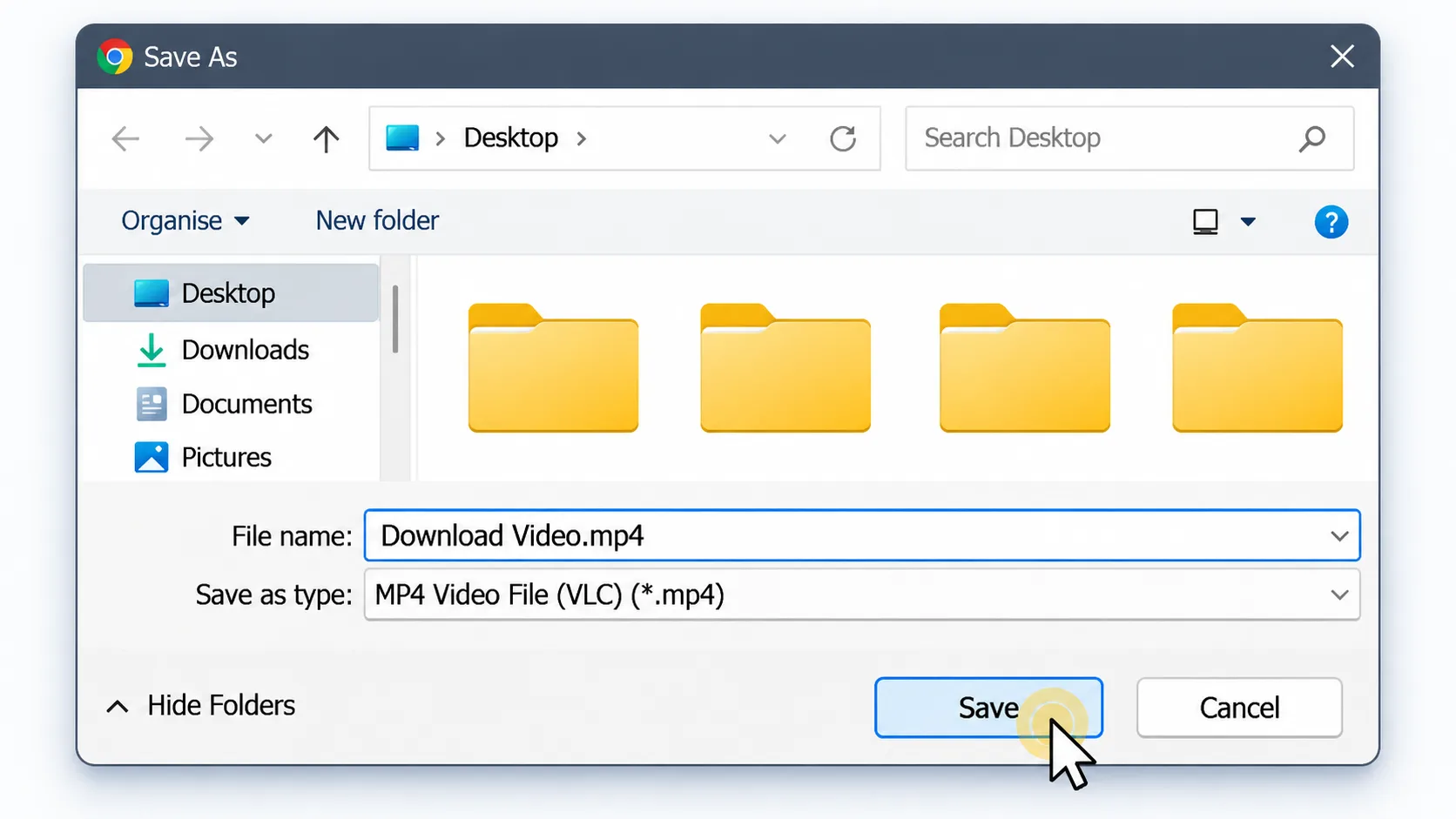
02. Save Your Video
If a Save As window appears, choose where to save your video and click Save.
Some browsers automatically save files to your Downloads folder.
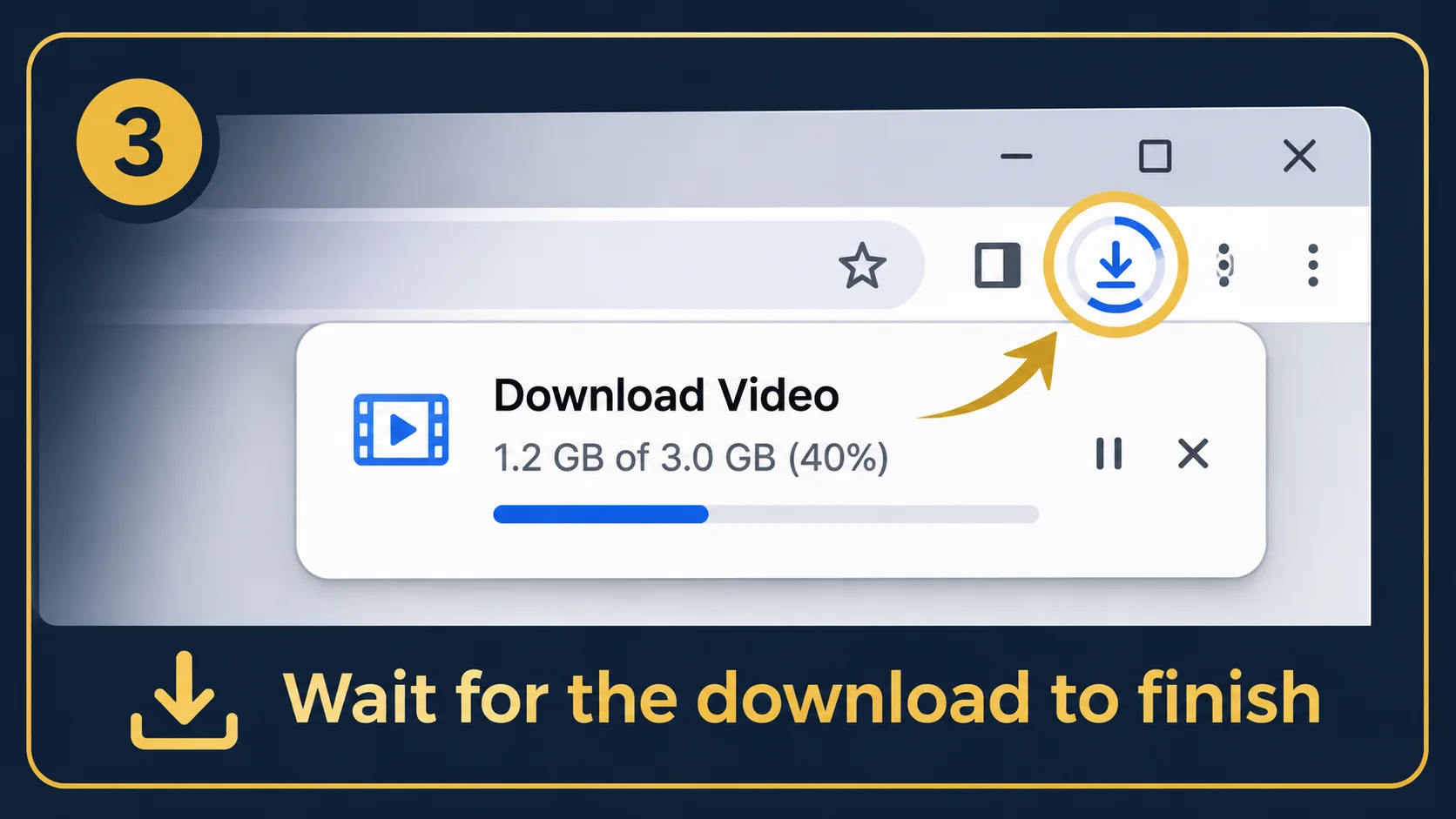
03. Wait for Completion
Check your browser’s download indicator and allow the download to finish.
Depending on your internet speed, this could take several minutes or longer.
Important Download Information
- Click Download only once. Repeated clicking will not speed up the download.
- Purchased several videos? Download them one at a time. Wait until the first has finished before starting another.
- Keep your browser open and your device connected to the internet until the download completes.
- Download failed? Return to My Account → Downloads and try again.